What the Webtoon style looks like
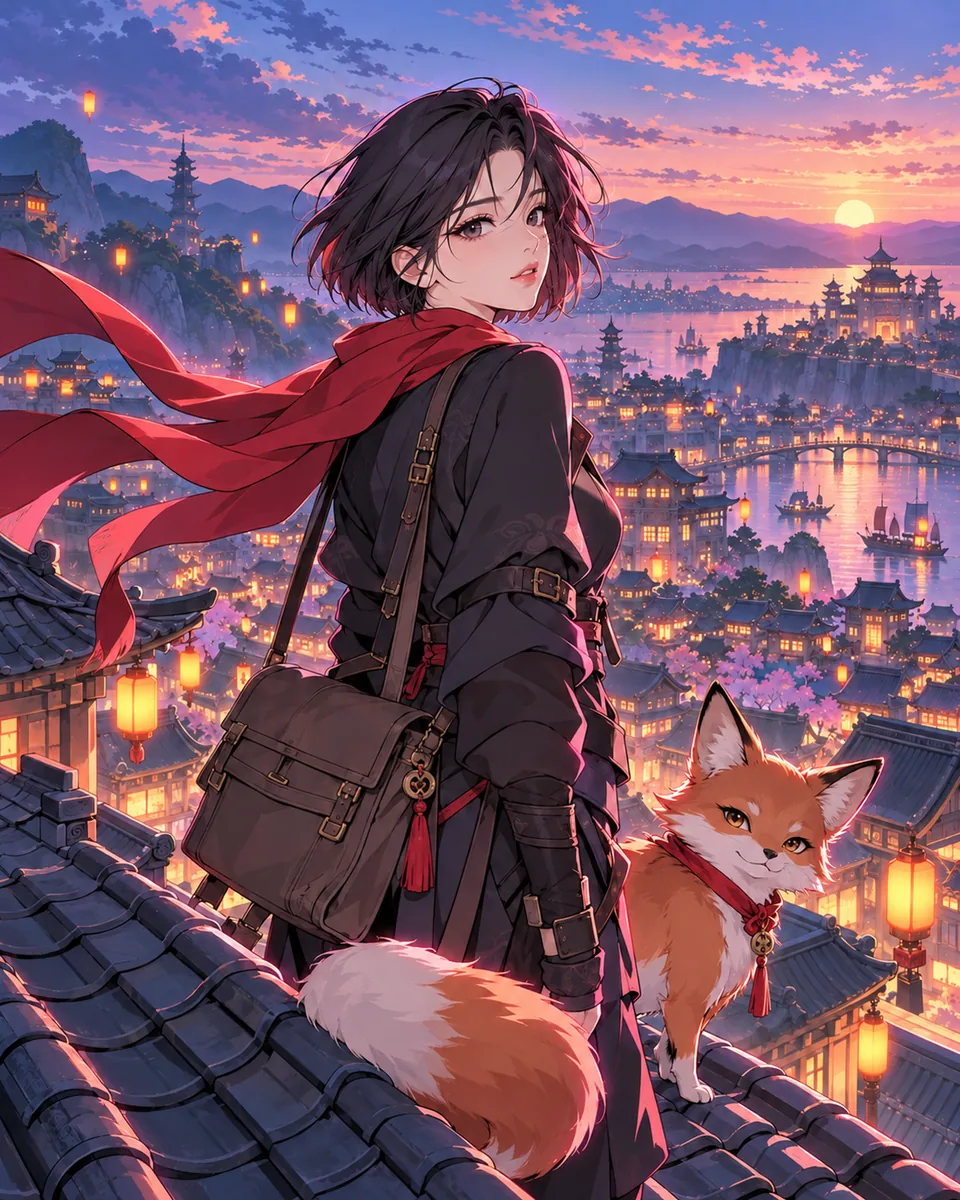 Webtoon
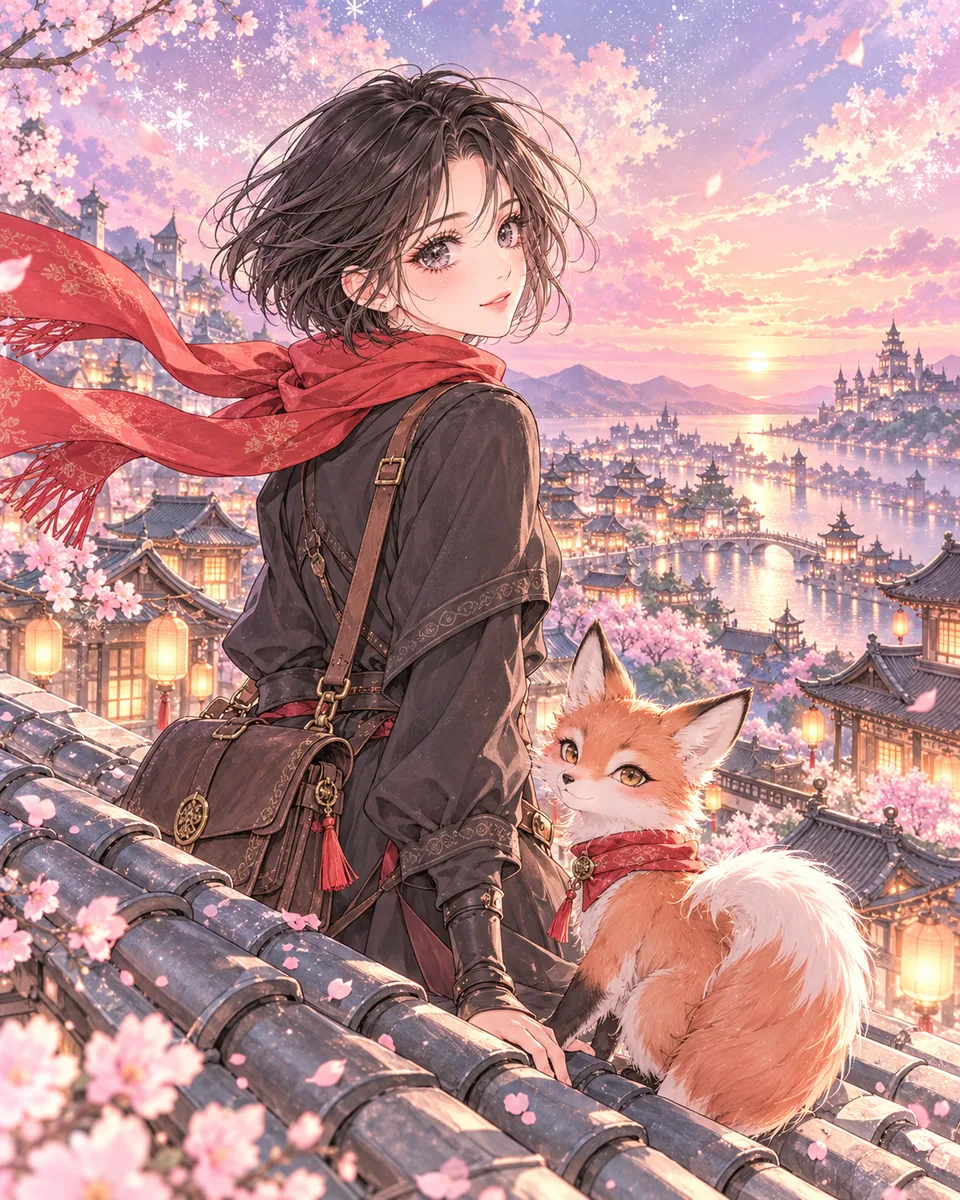 Shōjo romance
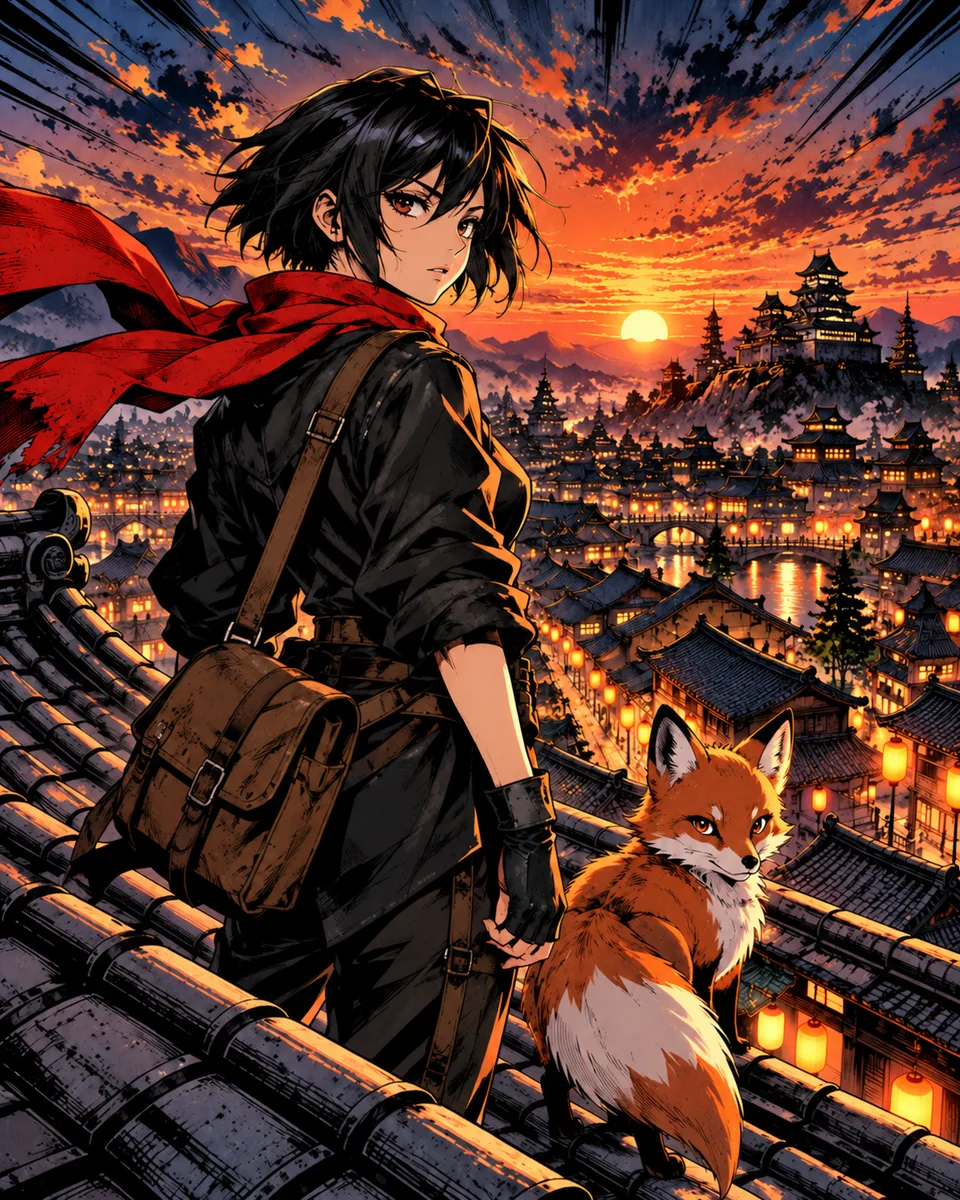 Shōnen action
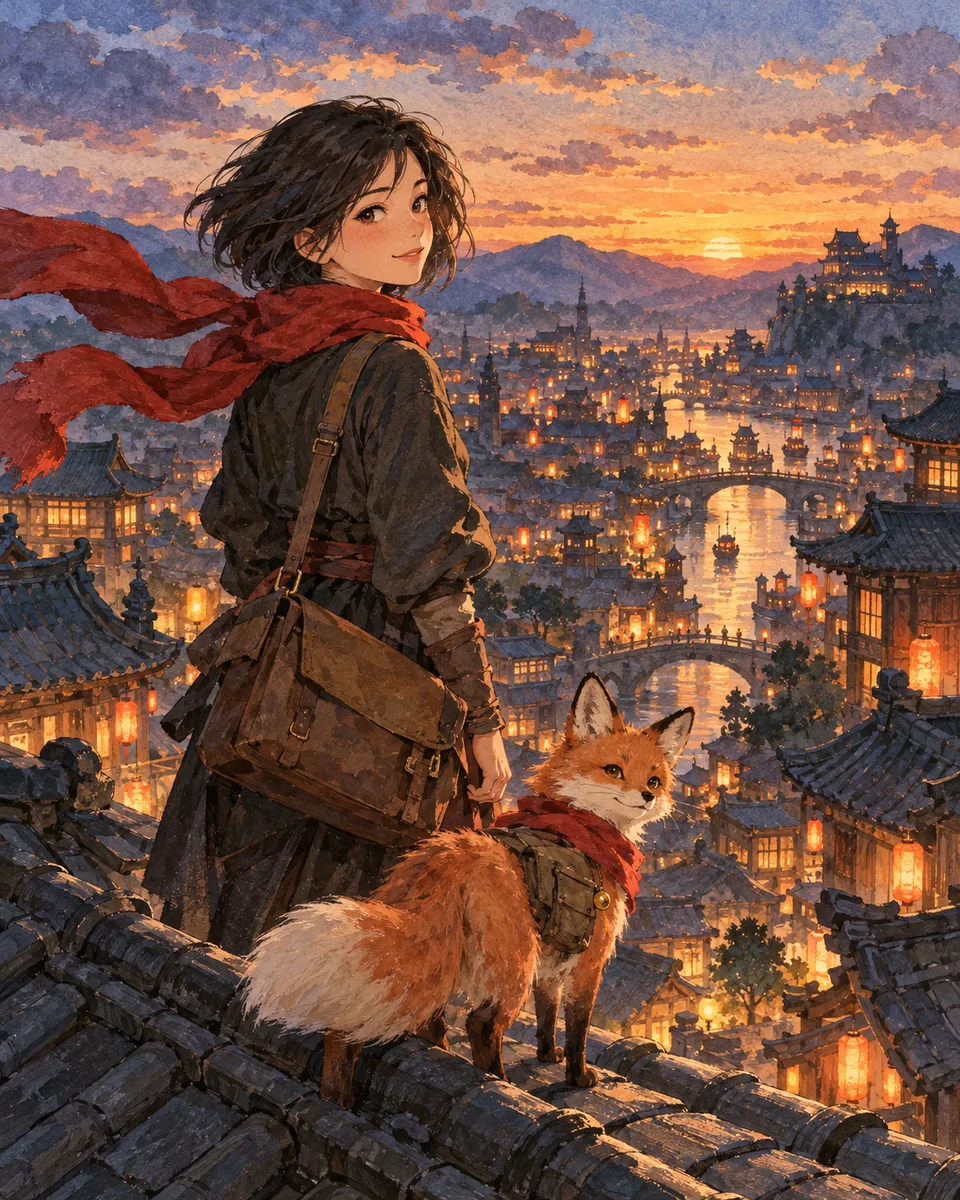 Painterly
Konyomi's Webtoon style follows modern Korean webtoon art: thin digital line art, smooth cel shading with soft gradients, a bright palette, rim light on the figures and sleek, idealized character design. It is full color. The same style applies to the backgrounds, so a whole chapter reads as one series.
Webtoon is one of ten styles. If your story suits a softer romance look, compare it with the shoujo manga style. For a darker drama, see the seinen manga style.
The webtoon format: what Konyomi makes today
"Webtoon" means two things: an art style, and a format, which is one long vertical strip. Konyomi does the style and most of the reading experience. It does not cut a chapter into a single strip yet. Here is the detail.
| You want | Konyomi today |
|---|---|
| Webtoon or manhwa art | Yes. Webtoon is one of the ten art styles, and it applies to the whole story. |
| Full color | Yes. |
| To read on a phone by scrolling | Yes. The pages of a chapter sit one below the other, and you scroll down through them. |
| Text that reads left to right | Yes. Pages read left to right, like a webtoon or a western comic. |
| One continuous vertical strip | Not yet. Each page has rows of panels, like a comic page. |
| Files sliced for WEBTOON Canvas or Tapas | Not built. You can publish chapters on Konyomi, share their link, or save them as a PDF. |
| A series released in episodes | Yes. A story can have up to 40 chapters. You draw and publish one chapter at a time. |
If you need upload-ready strips at 800 pixels wide, draw the episode yourself or use a tool that offers a strip format. Our guide on how to make a webtoon covers canvas sizes and slicing.
From your story to a webtoon-style chapter
- Give Kon the story. Paste it, upload a .txt file of up to 200,000 characters, or talk an idea through with Kon until it writes a manuscript.
- Pick Webtoon. Kon reads the story while you choose. It lists the characters, the places and the objects that matter, and it splits the text into chapters at natural breaks.
- Check the cast. Kon describes the look of each character. Every trait is marked: "From your story", "Kon's idea", or "Your words" once you edit it. Kon draws each main character once.
- Kon plans and draws the chapter. Up to 6 pages and 16 panels, drawn with the cast drawings as references. It takes about 10 minutes.
- Read, fix and publish. Edit any balloon in place for free. Ask for a new drawing of one panel for 10 gems. Then publish the chapter or share its link.
The same faces in episode 1 and episode 20
A webtoon lives on returning readers, and they notice when a hair color drifts or a scar moves. An image model starts every picture from nothing, so it guesses a face again each time. Konyomi settles the cast first. Each panel is then drawn with the character drawings attached as its reference, so faces, hair and outfits carry through the chapter and the chapters after it.
Write the details that must not change into your text once: eye color, a scar, a signature jacket. Kon never edits a trait that your story states. Our notes on AI manga character consistency explain what we learned, including the checks that still need a person.
Konyomi and other AI webtoon tools
Most AI webtoon makers are studios: you prompt each panel and place it yourself. Konyomi starts from the written story and does the planning, so it suits a writer with a draft more than an artist who wants to direct every frame.
| Konyomi | Panel-by-panel comic studio | |
|---|---|---|
| What you give it | A story in prose, up to 200,000 characters | A prompt for each panel or page |
| Who plans the panels | Kon | You |
| Same characters throughout | Each character is drawn once and used as the reference for every panel | Many let you save a character as a reference |
| Vertical strip format | Not yet. Pages stack in one column | Some offer it |
| Words in balloons | Set as text over the art, editable at any time | Usually a bubble editor |
When we checked on October 27, 2026, LlamaGen listed comic, webtoon, manhwa and manga formats. Read Konyomi vs LlamaGen for the details, or the best AI manga and comic generators for seven tools side by side.
What a webtoon chapter costs
Signing in is free. Kon reads a story once for 20 gems and draws each chapter for 100 gems. Gem packs start at $19.99 for 600 gems, which pays for 5 chapters of a new story. While the launch offer lasts, a new account also gets 70 gems, enough to plan a story with Kon and draw up to 3 main characters.
Want to plan the series first? The free character continuity sheet and script builder need no account.
Common questions
Is there an AI webtoon generator that works from a story?
Yes. Konyomi reads a story in prose, up to 200,000 characters, and draws it as chapters. Pick the Webtoon art style for a Korean manhwa look. You do not write a prompt for each panel.
Can Konyomi make a manhwa?
It can draw your story in a manhwa art style: full color, thin lines and glossy shading. Pages read left to right, as manhwa do. Chapters are pages stacked in one column, not one continuous vertical strip.
Can I export my webtoon for WEBTOON Canvas or Tapas?
Not yet. Konyomi does not slice chapters into strips. You can publish chapters on Konyomi, share their link, or save them as a PDF from the print window of your browser.
Is the AI webtoon generator free?
Signing in is free, and so is reading the first chapter of every published story. Drawing uses gems: 20 to read a story and 100 for each chapter. Packs start at $19.99 for 600 gems. While the launch offer lasts, a new account gets 70 gems to plan a story and draw up to 3 main characters.
Do the characters stay the same across episodes?
Kon draws each character once, before any page, and every panel is drawn with those drawings as references. Traits that your story states cannot be edited, so they stay as written.
How long is one chapter?
Up to 6 pages and 16 panels. A story can have up to 40 chapters, and one chapter takes about 10 minutes to draw.
Konyomi turns a written story into manga, with the same faces on every page.