What this AI comic maker draws, and what it leaves to other tools
Konyomi makes one kind of comic: a chapter of manga-style pages, drawn from a story in prose. You paste the text, and Kon plans the panels from what happens in it. You do not write a prompt for each panel.
That makes it a narrow AI comic generator. If you came here for an AI comic book generator, the table shows what it does and what it does not do.
| You want | Konyomi |
|---|---|
| A written story drawn as a chapter | Yes. Konyomi is built for this. |
| The same character on every page | Kon draws each character once. Every panel uses that drawing as its reference. |
| An American comic book look | Two of the ten art styles: Classic comic, with heavy ink, halftone dots and flat color, and Superhero, with dynamic figures and vivid color. |
| A webtoon or manhwa look | The Webtoon art style. Chapters are pages you scroll through, not one vertical strip. See the AI webtoon generator. |
| A comic strip with one joke | A poor fit. Konyomi draws scenes and chapters. |
| Print-ready comic book issues | Not built. Chapters are made to read on a phone or a laptop. |
| Blank panels to draw in yourself | Use the free manga panel layout maker. |
Comparing tools? The best AI manga and comic generators puts Konyomi next to 13 others, with their prices and free plans. If you used Dashtoon Studio or AI Comic Factory, read what to use now that Dashtoon has closed or AI Comic Factory alternatives.
A sample chapter: two characters, four pages
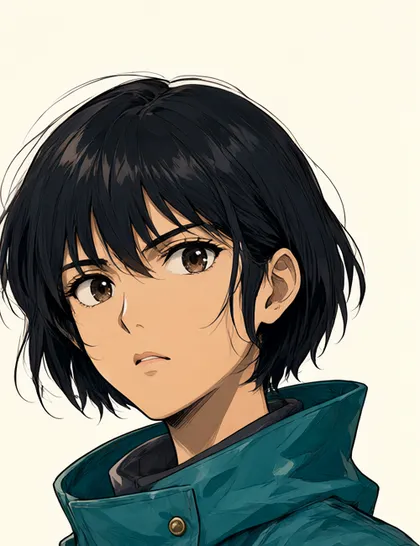
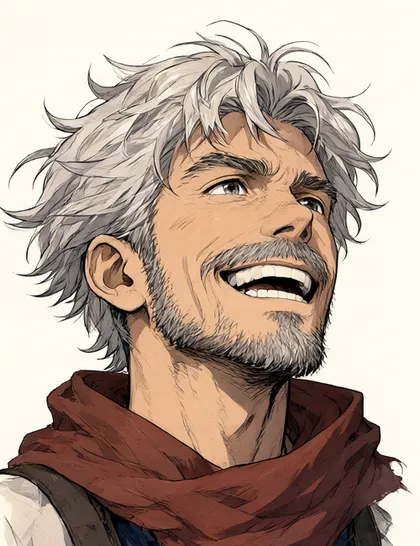
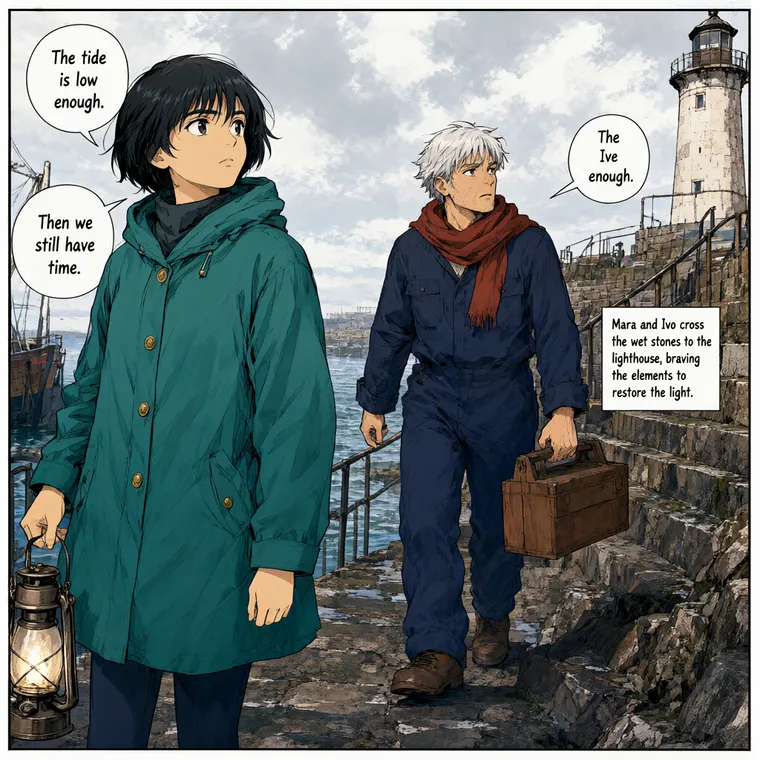
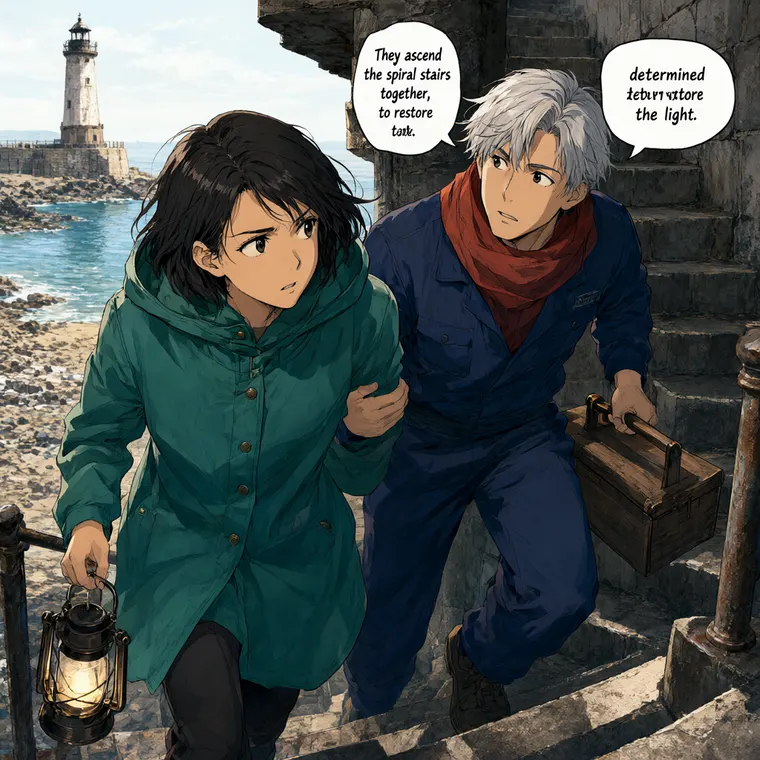
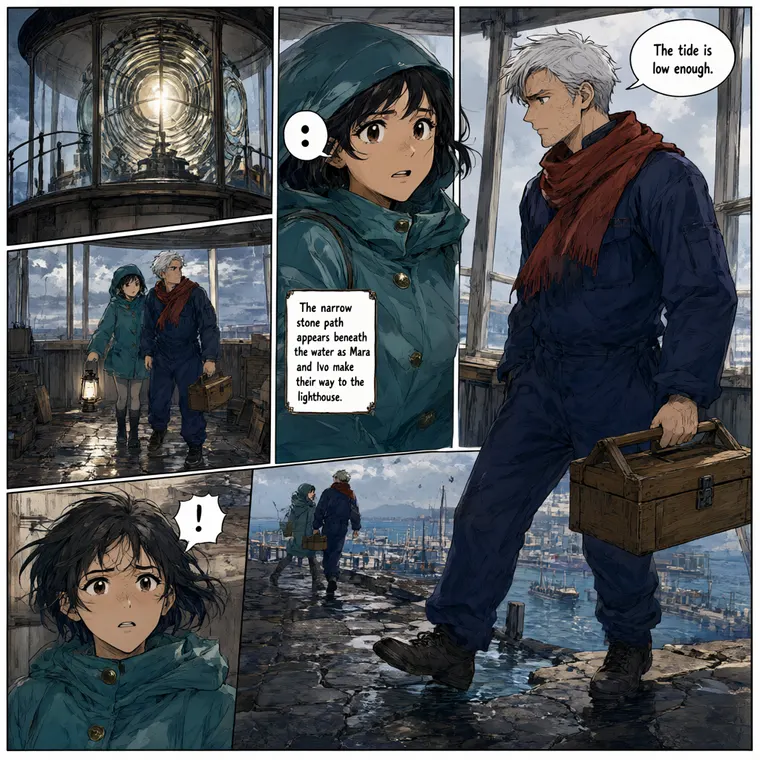
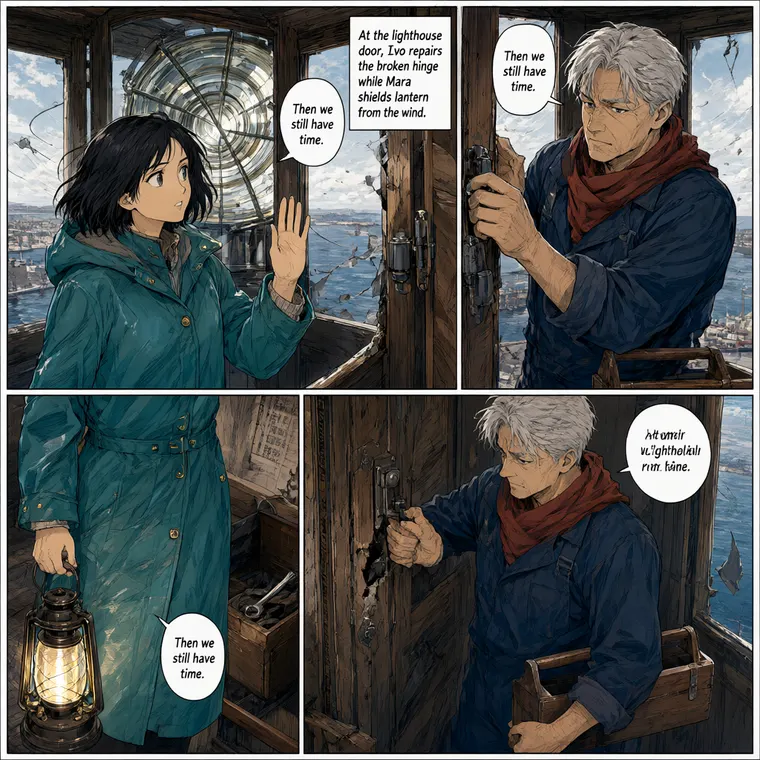
Follow Mara's teal raincoat and Ivo's red scarf from page to page. A reader notices when a coat changes color, so check this first in any AI comic maker.
How the AI comic generator turns your text into pages
Most AI comic makers draw one picture for each prompt, and you assemble the comic yourself. Konyomi takes the whole text and does the planning. Here is what happens between your words and a finished comic book chapter.
- Give Kon the text. Paste a scene, a chapter or a whole draft, or upload a .txt file of up to 200,000 characters. No draft yet? Talk the idea through with Kon, and Kon writes a manuscript with you.
- Kon reads the story. It lists the characters, the places and the props that matter, and it splits the text into chapters at natural breaks. It keeps chapter headings that you wrote.
- Pick one of ten art styles. Shōnen action, Painterly, Webtoon, Classic comic, Noir and five more. One choice sets the look of the whole story.
- Meet the cast. Kon describes each character and marks every trait as "From your story" or "Kon's idea". You can rewrite Kon's ideas. Then Kon draws each character once, before any page.
- Kon plans and draws the chapter. Up to 6 pages and 16 panels, each panel drawn with the cast drawings as its reference. Dialogue becomes speech balloons, set as text on top of the art, so the letters stay readable.
- Read, fix and share. Edit any balloon in place. Ask for a new drawing of one panel. Publish the chapter, share its link or save it as a PDF.
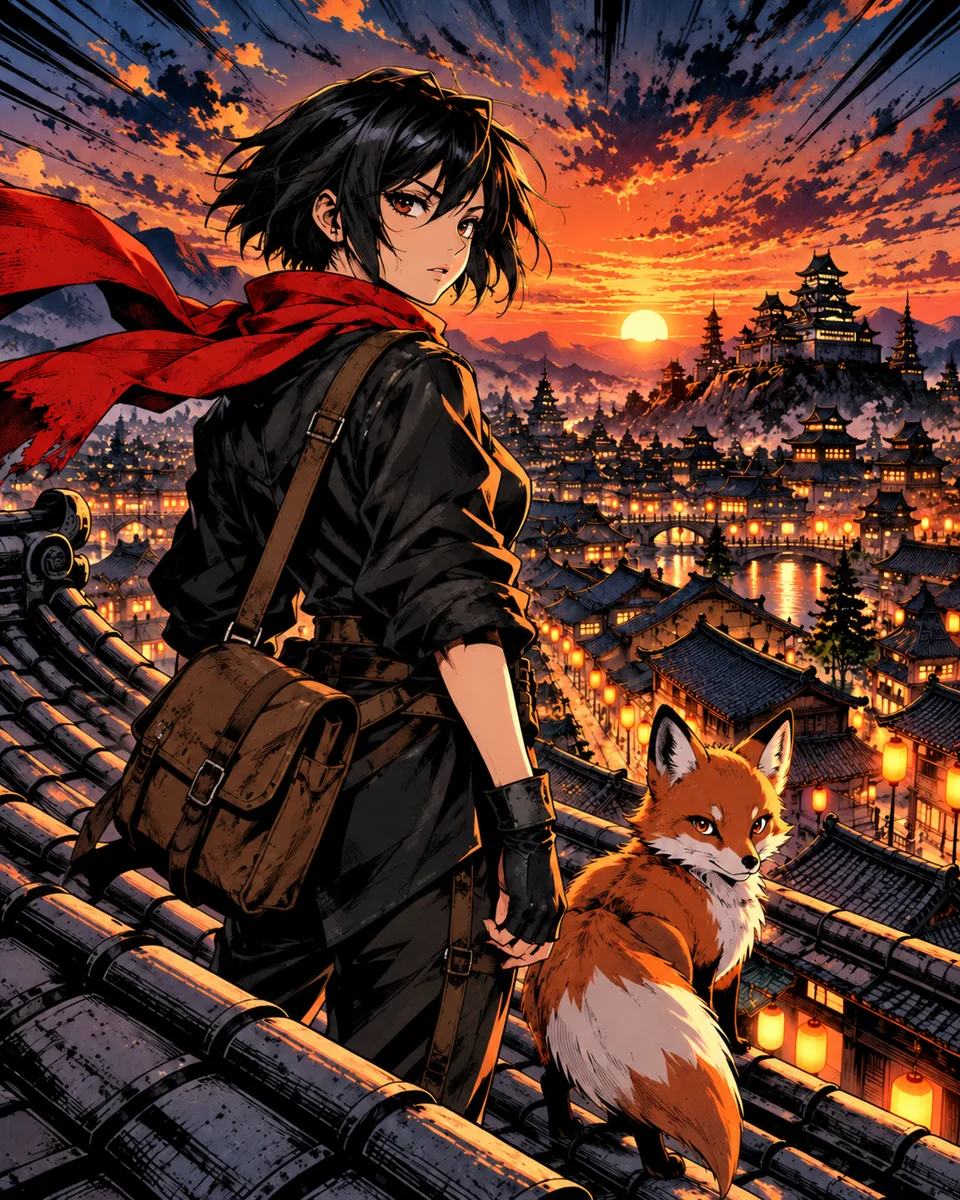 Shōnen action
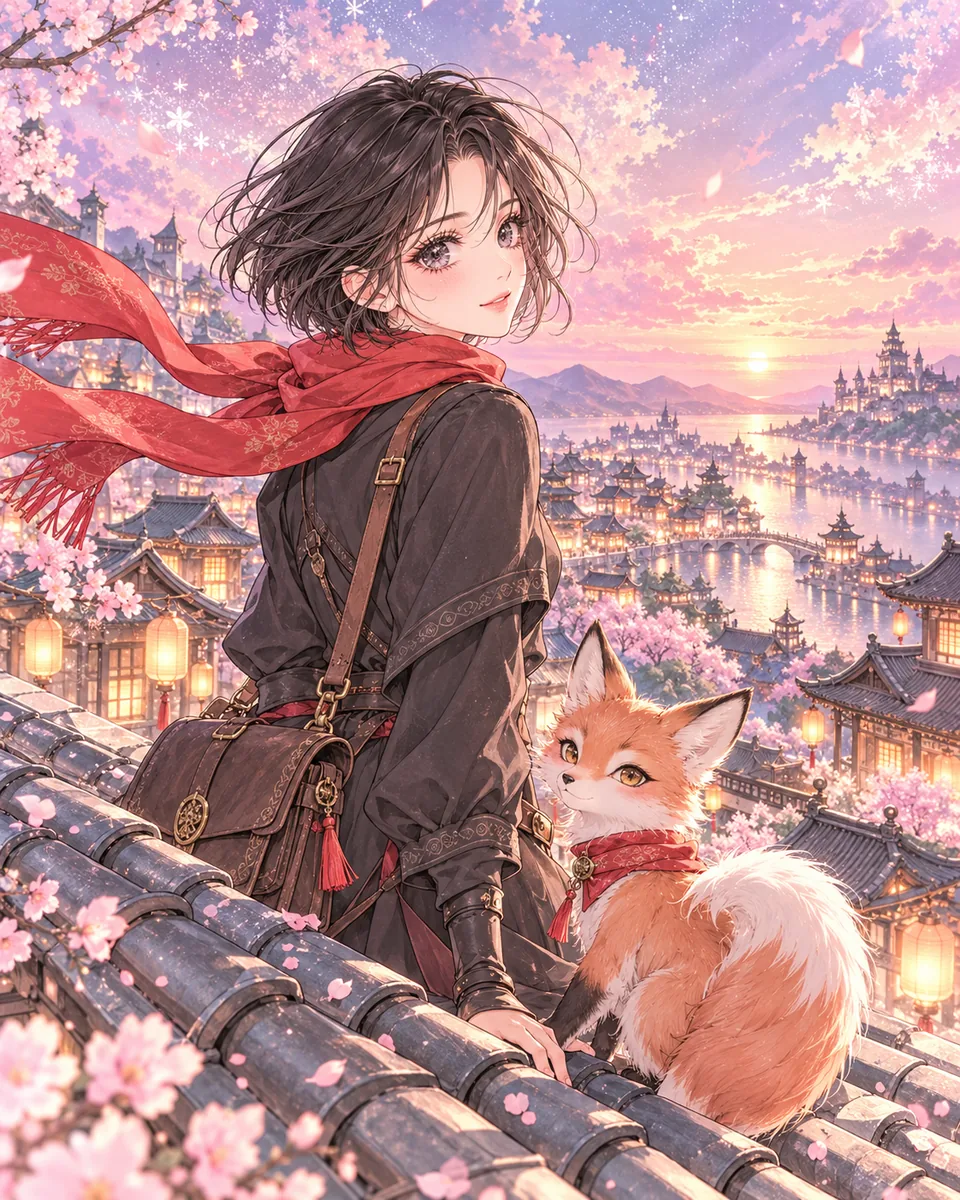 Shōjo romance
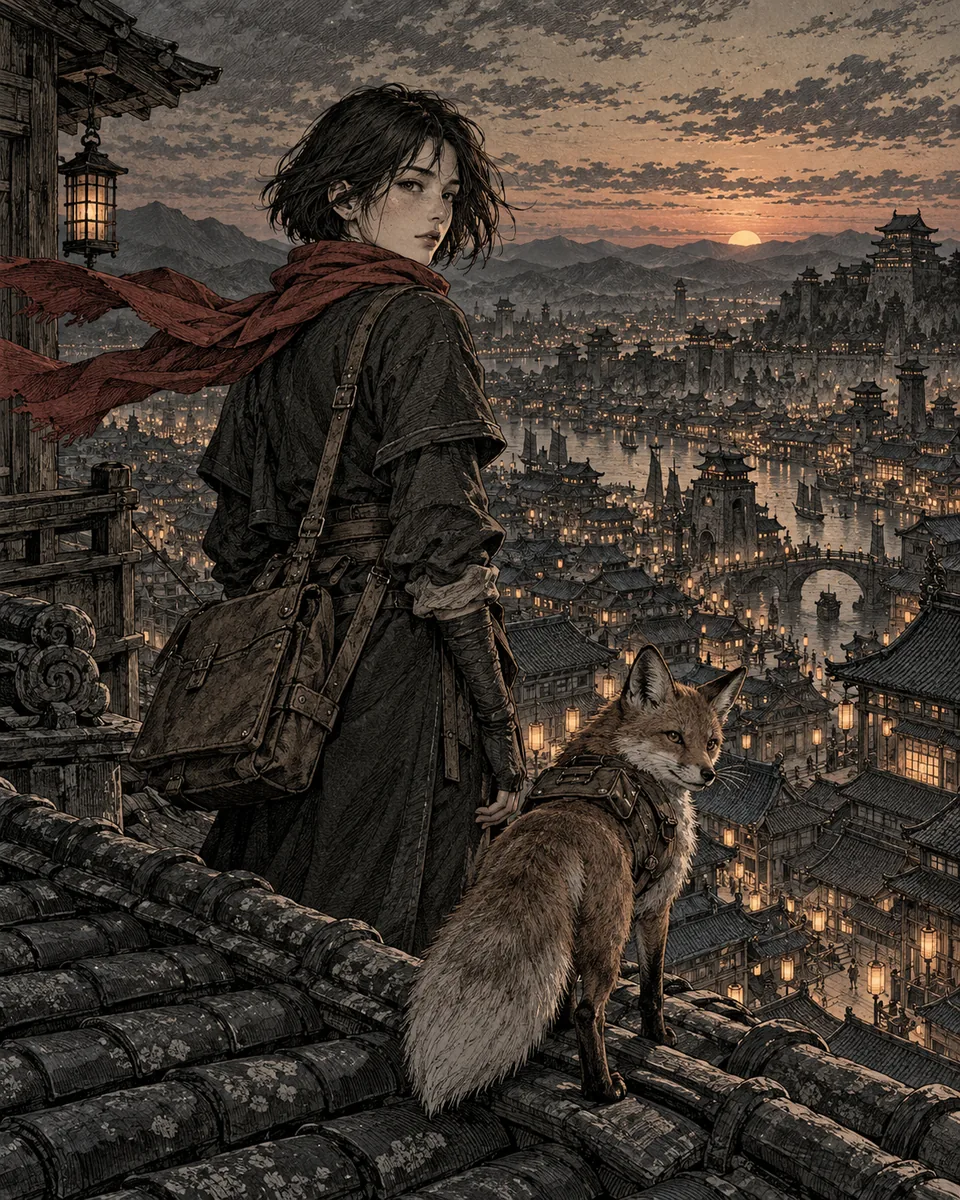 Seinen
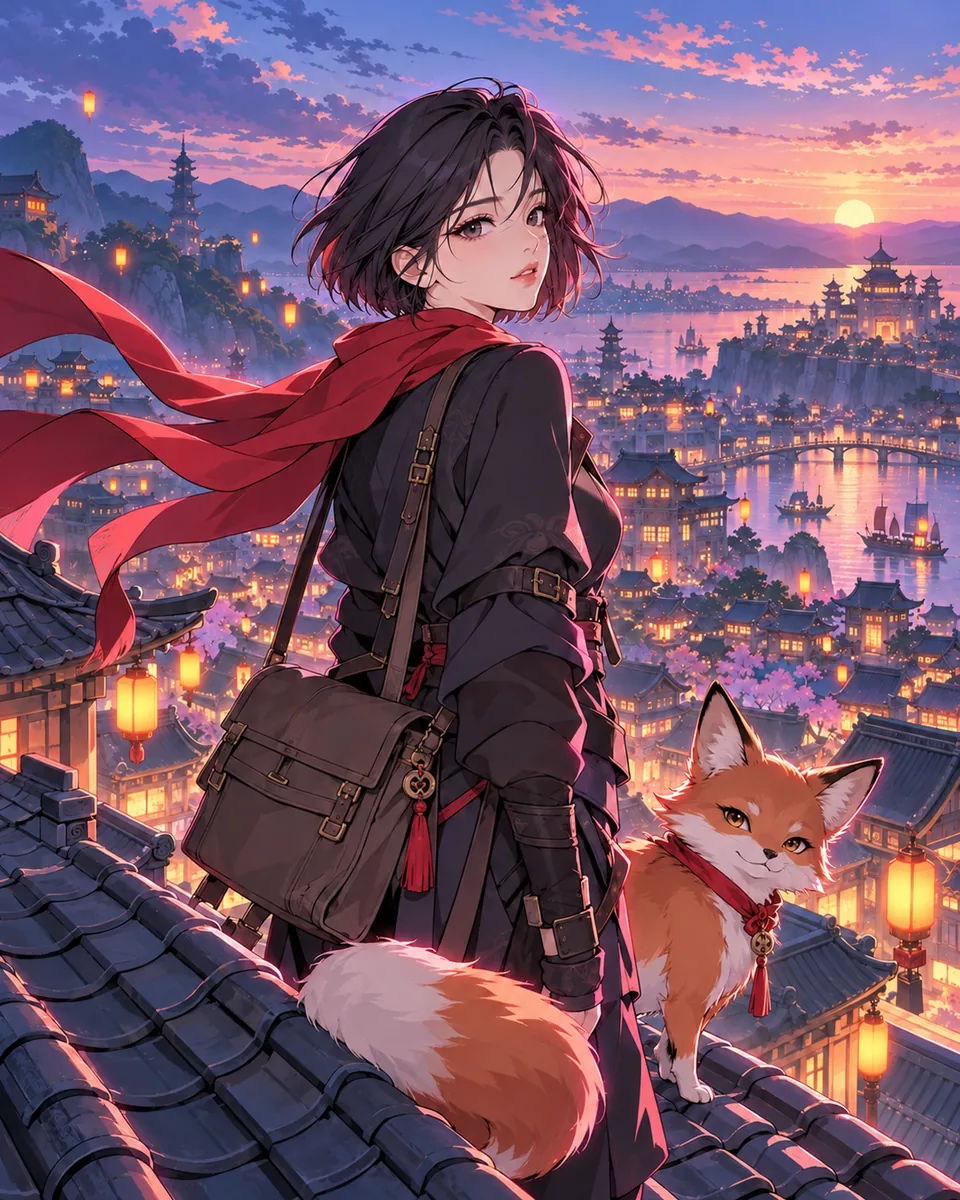 Webtoon
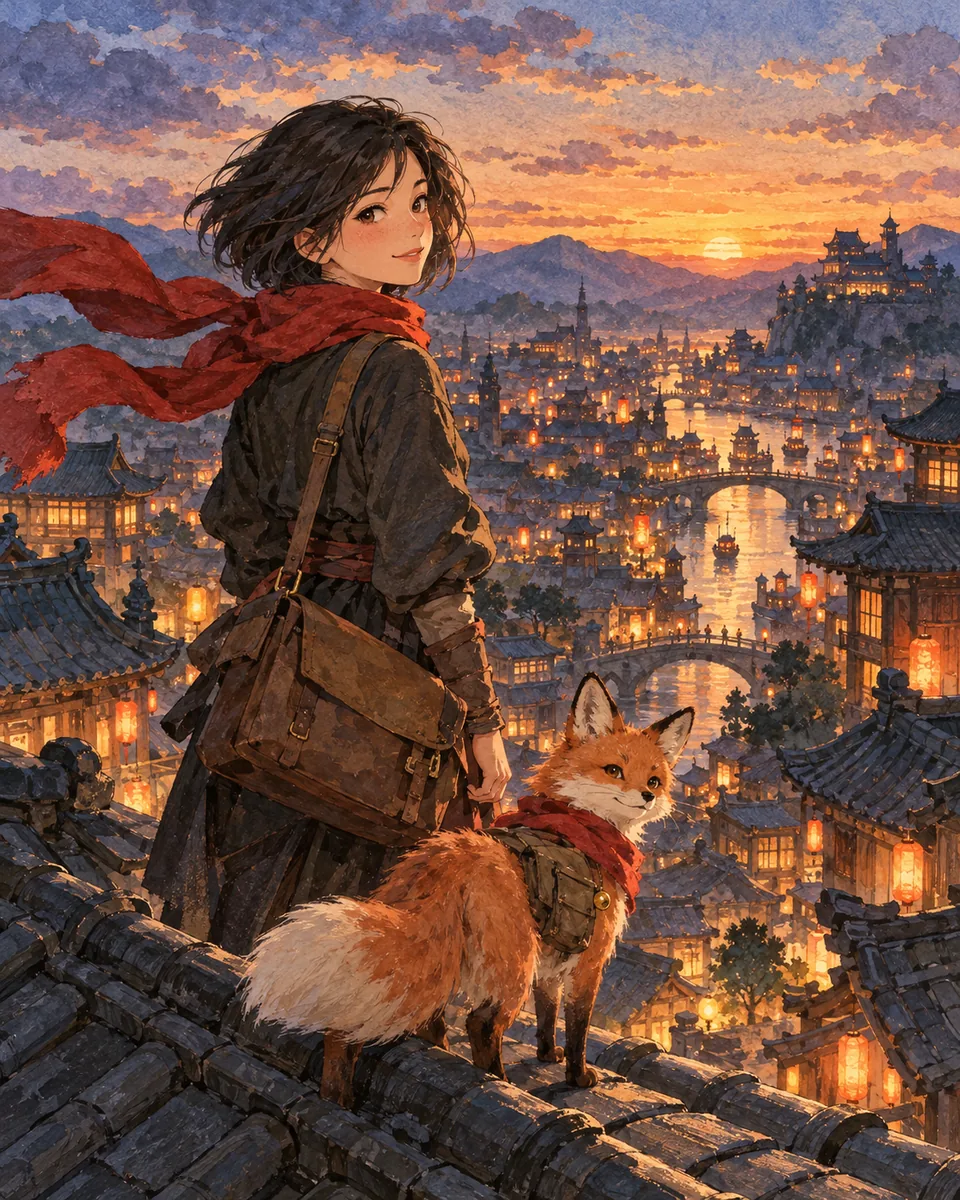 Painterly
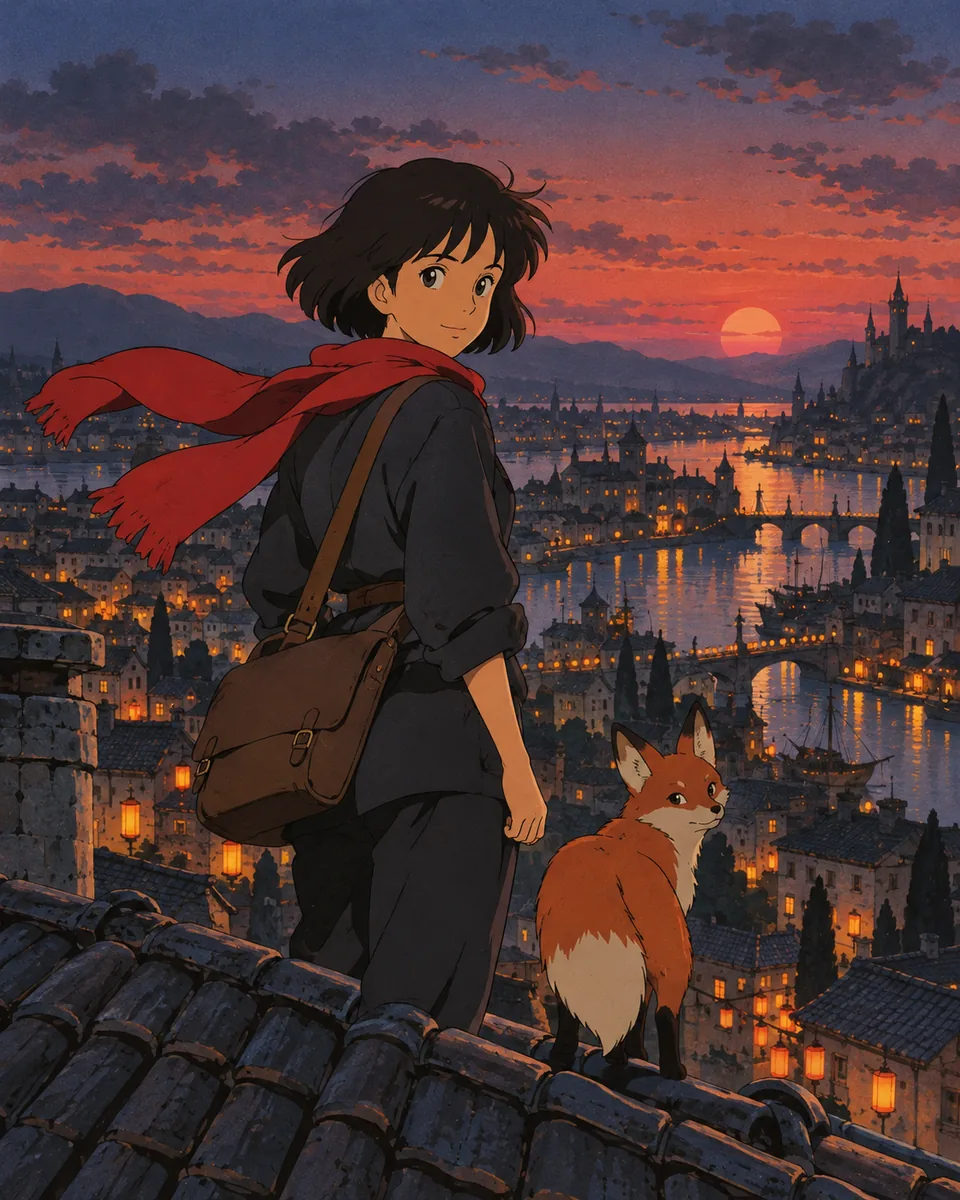 Retro anime
 Chibi
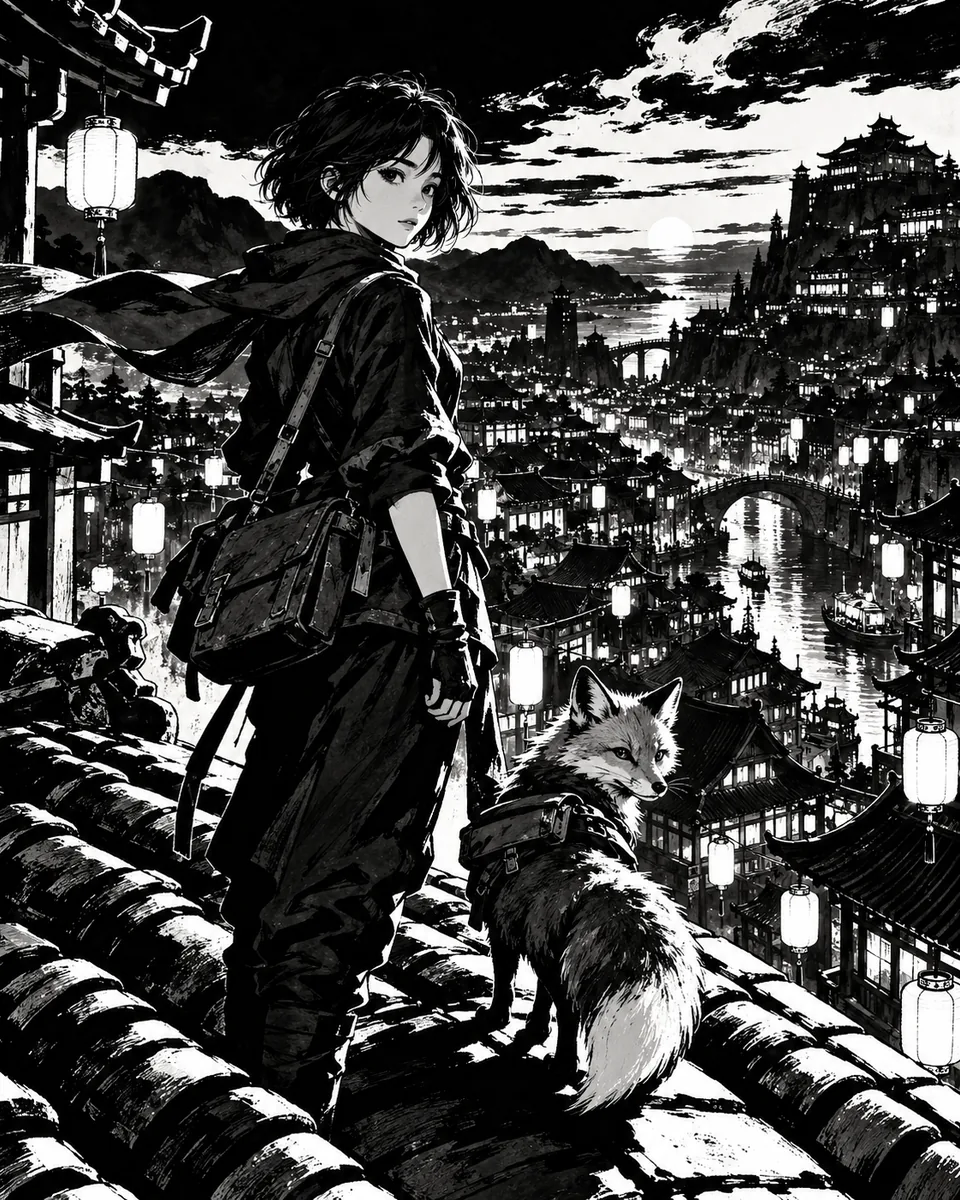 Noir
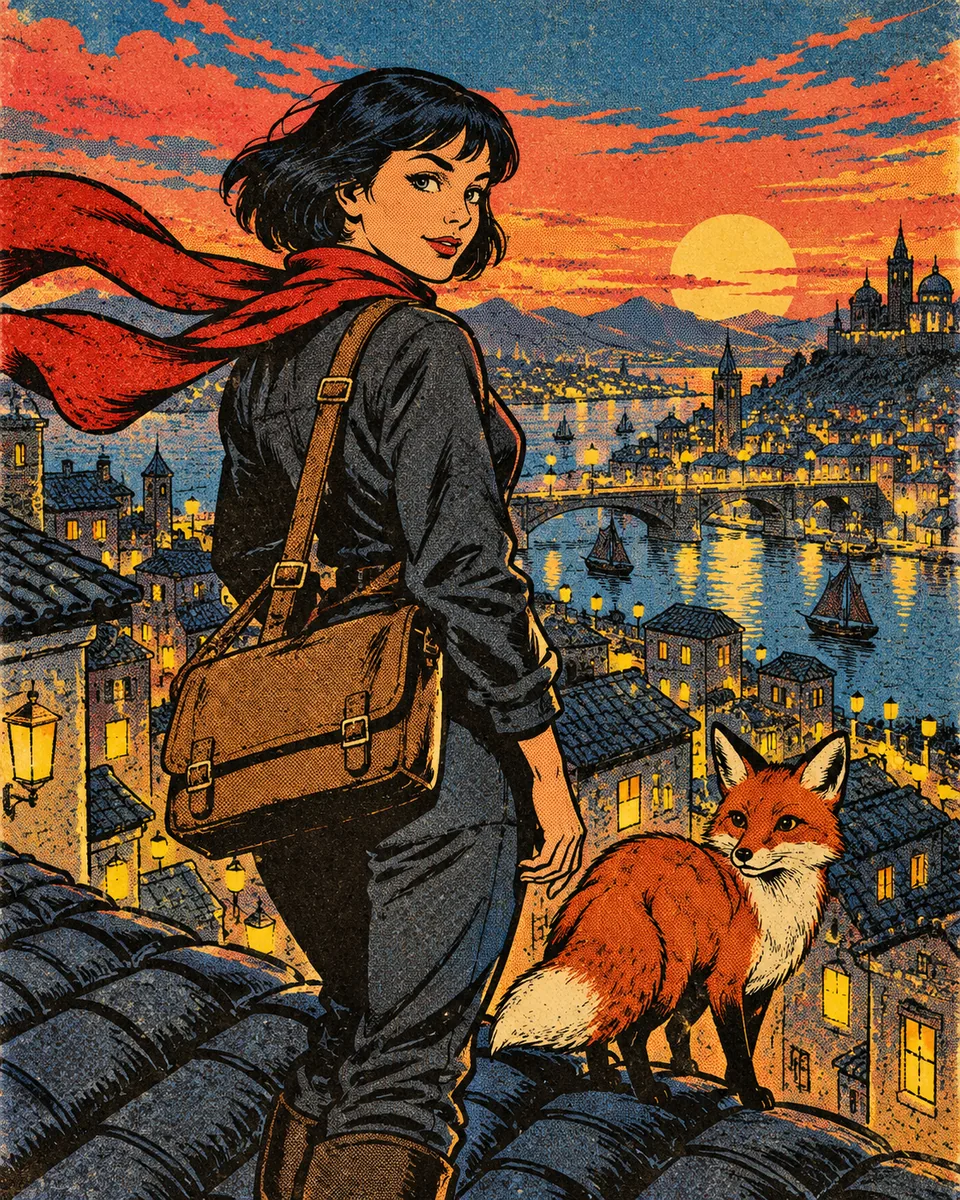 Classic comic
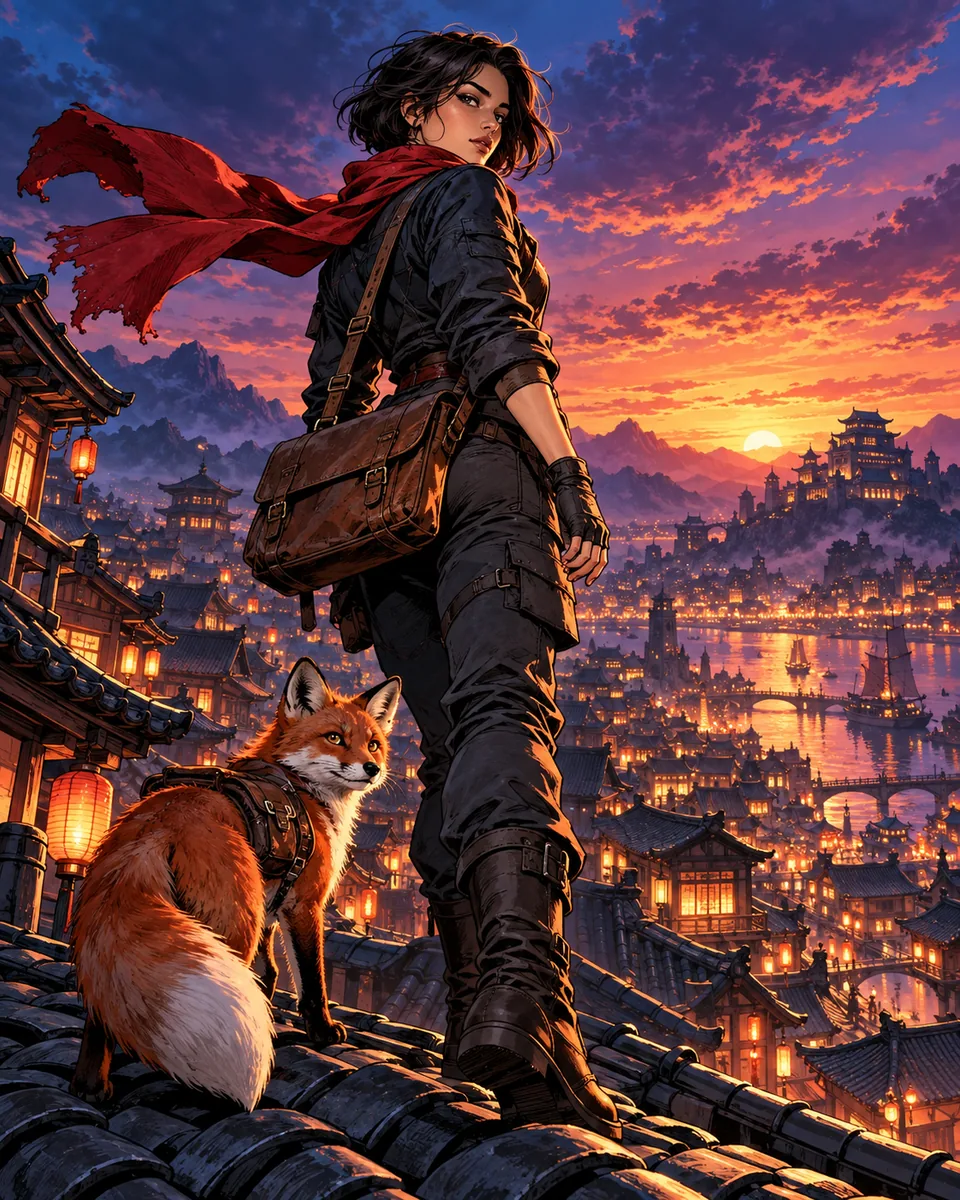 Superhero
Kon reads the story, draws the cast, plans the panels, and draws a chapter in about 10 minutes. You can change any panel or any line afterwards. For a closer look at what happens to dialogue, thoughts and narration, read text to manga. Writers with a finished novel or a fanfic will find limits, ownership and privacy in novel to manga: your questions answered.
Why AI comics lose their characters
An image model draws every picture from the start. With no reference, it guesses the face again each time, and the guesses differ. Konyomi settles the reference first and draws the pages second.
Our notes on AI manga character consistency cover what we learned, including the checks that still need a person.
Prefer to draw the pages or pay an artist? How to make a manga walks through every step and compares four ways to make the pages without drawing.
Is there a free AI comic generator?
An image model costs money for every picture, so a free AI comic generator usually has limits. Here is what costs nothing on Konyomi, and what uses gems.
- Free: signing in, reading the first chapter of every published story, and the planning tools on this site. The tools need no account.
- Gems: preparing a story and drawing its chapters. Gems come with a subscription. Plans start at $9.99 a month, after a 7-day free trial, with 150 gems for the trial.
Want to plan before you pay for anything? Start with the free script builder or the length estimator, which shows how many pages your story will fill.
Common questions
What is an AI comic generator?
It is a tool that turns text into comic pages with an image model. Many draw one picture for each prompt. Konyomi reads a whole story, plans the panels and draws a chapter with the same characters throughout.
Can an AI comic generator work from text alone?
Konyomi does. Paste prose or upload a .txt file of up to 200,000 characters, roughly 30,000 to 35,000 words of English. Kon splits it into chapters, plans each page and draws the panels. Word, PDF and EPUB files are not accepted yet, so save them as plain text first.
Can I make a comic with Konyomi today?
Yes. Sign in with Google, paste a story, pick an art style, and Kon draws it one chapter at a time. A chapter takes about 10 minutes.
Does Konyomi make American-style comic books?
Partly. Two of the ten art styles are Classic comic, with heavy ink outlines, halftone dots and flat color, and Superhero, with dynamic figures and vivid color. Konyomi draws chapters to read on a screen. It does not make print-ready comic book issues.
Do I have to write a prompt for every panel?
No. You paste the story as prose. Kon reads it, finds the characters and plans the panels from what happens in the text.
How does it keep a character the same on every page?
After you pick an art style, Kon draws each character once and shows you the cast. Each panel is then drawn with those character drawings as its reference.
Is this AI comic generator free?
Signing in is free, and so is reading the first chapter of every published story. The planning tools on this site are free and need no account. Drawing uses gems: 20 to read a story and 100 for each chapter. Plans start at $9.99 a month, after a 7-day free trial. The trial gives 150 gems, enough for one story and its first chapter.
Who owns the comic I make?
The Konyomi terms say that your story stays yours, and so does the comic that Kon makes from it. AI models made the drawings, so the law of your country decides which rights exist in them.
Can it make a webtoon instead of comic pages?
It can draw your story in a Webtoon art style, in the look of Korean manhwa. Chapters are pages that you scroll down through, not one continuous vertical strip.
Can I start from an idea instead of a finished story?
Yes. Type a one-line idea, and Kon asks you questions and writes the story with you. Each message to Kon costs one gem. Kon then draws the story the same way as a pasted one.
Did Konyomi draw the pages shown here?
No. They are sample art that we made with an image model during design. The Konyomi pipeline did not draw them.
Konyomi turns a written story into manga, with the same faces on every page.