Three ways to give Kon your story
Kon is the fox who reads your story and draws it. You write prose, the way you would write a short story or a novel chapter. You do not write a prompt for each panel.
- Paste the text. A single scene, one chapter or a whole draft. Kon reads up to 200,000 characters, which is roughly 30,000 to 35,000 words of English prose.
- Upload a .txt file. Plain text only for now. Save a Word or Google Docs file as plain text first.
- Talk it through. No draft yet? Tell Kon your idea. Kon asks one question at a time and then writes a manuscript of up to about 3,000 words. You can change that manuscript before Kon draws it.
Use text that you wrote or have the right to adapt. A light novel or web novel by someone else needs the permission of its author before you publish a manga of it.
How a page of text becomes a page of manga
- Kon reads the story. It lists the characters, the places and the objects that matter, and it splits the text into chapters at natural breaks: a change of scene, of time or of point of view. Chapter headings that you wrote are kept, including a prologue and an epilogue. A story can have up to 40 chapters.
- You pick an art style. One of ten, from Shōnen action to Noir. The choice applies to the whole story.
- Kon draws the cast. Each character gets one drawing before any page exists. Where your text says nothing about a face or an outfit, Kon fills the gap. It does not change what your text states.
- Kon plans the chapter. It weighs the story in beats first, then lays out pages, rows and panels. A chapter has up to 6 pages and 16 panels.
- Kon draws each panel with the cast drawings as its reference. A chapter takes about 10 minutes.
- You read, fix and share. Edit any line of text in place. Ask for a new drawing of one panel and say what should change. Publish the chapter, share its link or save it as a PDF.
What Kon keeps from your text
Prose and manga carry a story in different ways. A paragraph can describe a room, a memory and a feeling at once. A panel shows one moment. Kon has to choose, so here is what it does with each part of your text.
| In your text | On the page |
|---|---|
| A line that a character says | A speech balloon in the panel where the character speaks. Kon keeps your words. It shortens a line only when it does not fit one balloon, and it keeps the meaning. |
| Thoughts | A thought balloon for the character who thinks them. |
| Narration that matters to the plot | A caption box. Manga pages carry little narration, so most description becomes art. |
| A loud event: gunfire, a roar, a door that slams | A sound word drawn in the panel. |
| Character sheets, world notes, a premise | Kon reads them for facts, but they never become a chapter of their own. |
The letters are set as text on top of the drawing. Image models still misspell words that they draw, so the art itself has no letters, and you can correct a balloon without a new drawing.
Example: one paragraph, three panels
Here is a short paragraph and one sensible way to break it into panels. We wrote this plan by hand to show the method. It is not output from Kon.
The last ferry had already gone. Mina stood at the end of the pier with her
suitcase, watching its lights shrink across the bay. "Great," she said to no one.
Behind her, a lantern flickered on in the harbor master's window.
| Panel | Shot | What we see | Text |
|---|---|---|---|
| 1 | Wide | The empty pier at dusk. The ferry lights are small on the water. | Caption: The last ferry had already gone. |
| 2 | Medium | Mina from behind, suitcase at her feet, shoulders down. | Mina: Great. |
| 3 | Close-up | A lantern lights up in a dark window. | None |
Notice what moved. "Watching its lights shrink" became a picture instead of a caption. "Said to no one" became her pose. The lantern has no text at all, so the reader turns the page wondering who is there. Kon makes the same kind of choices when it plans a chapter. You can then change any line.
Ten art styles for one story
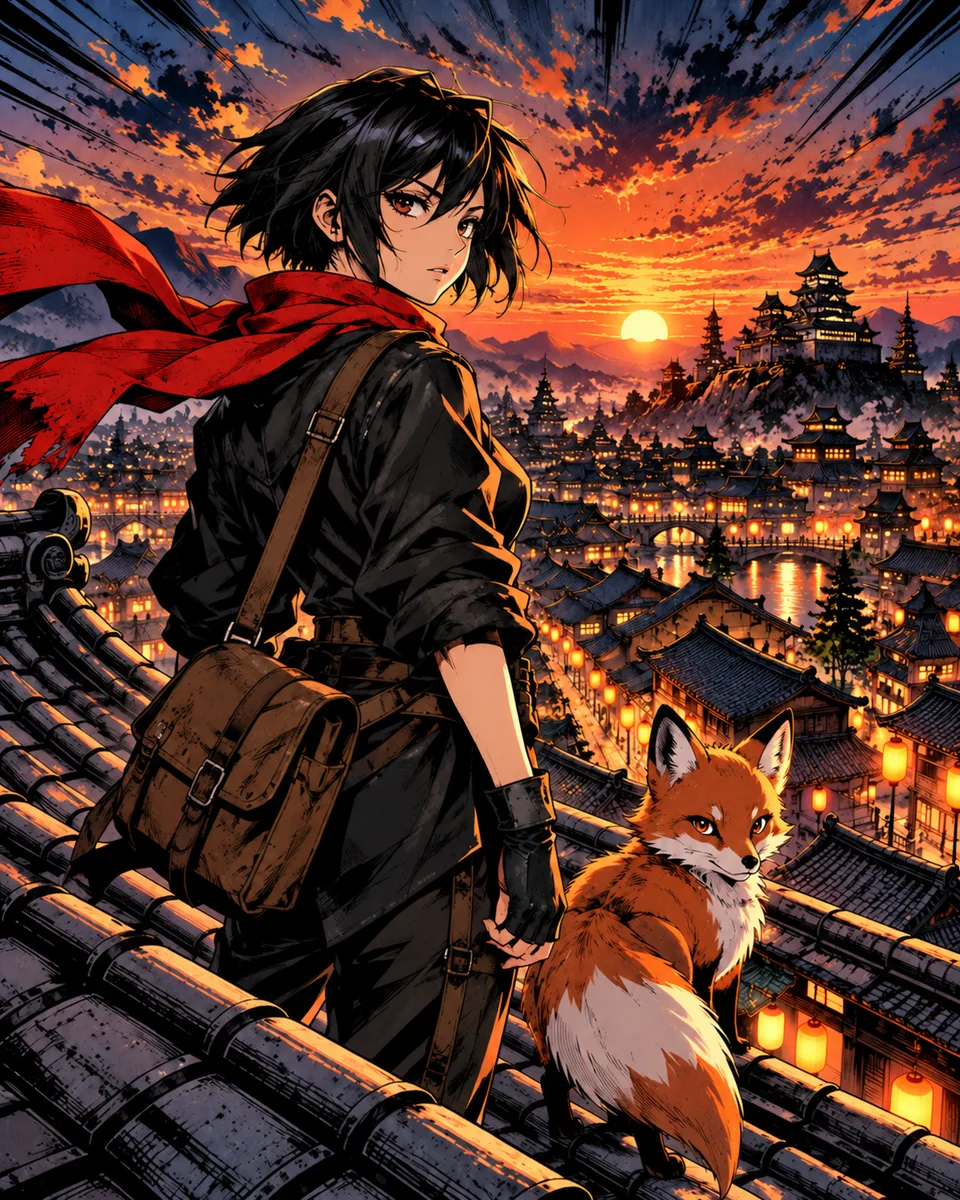 Shōnen action
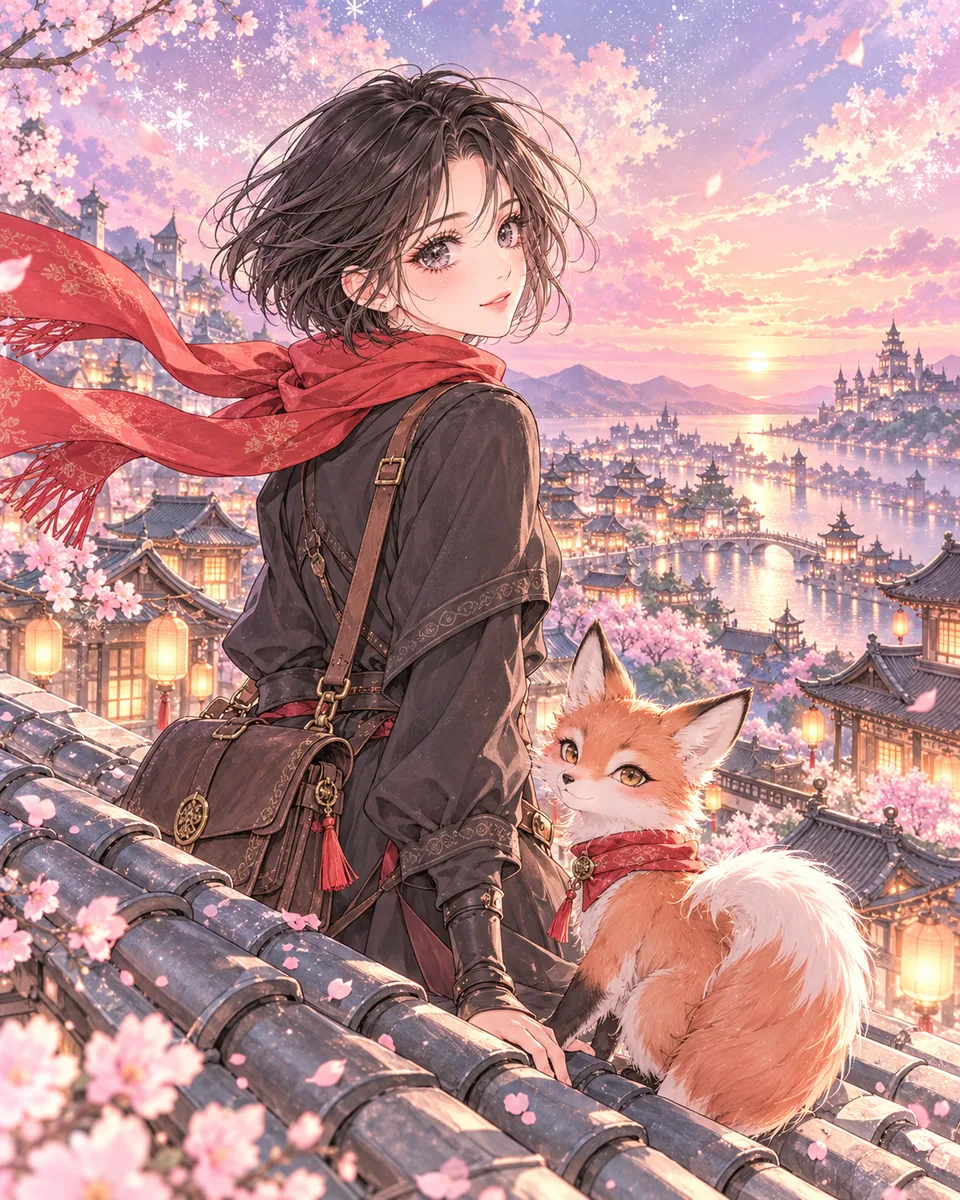 Shōjo romance
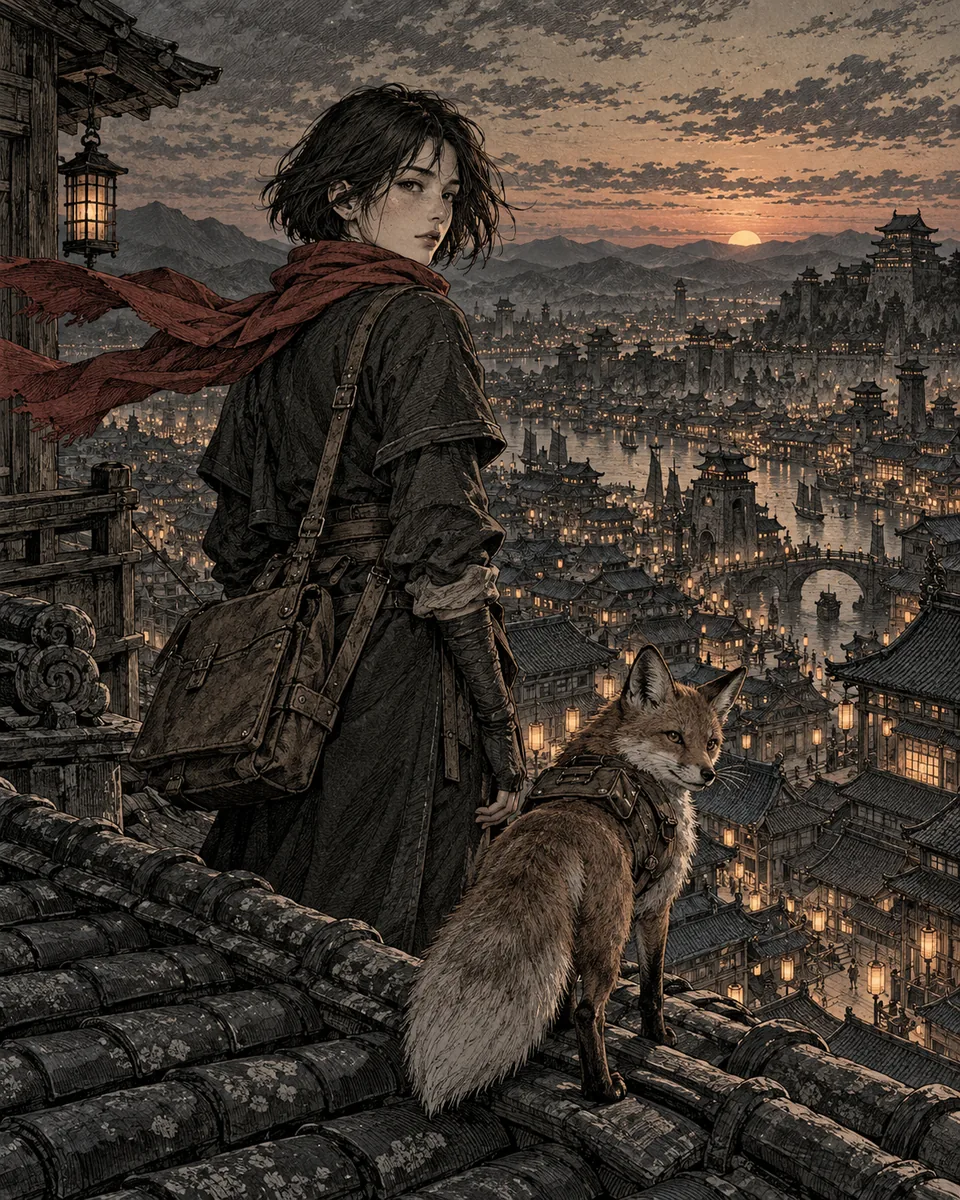 Seinen
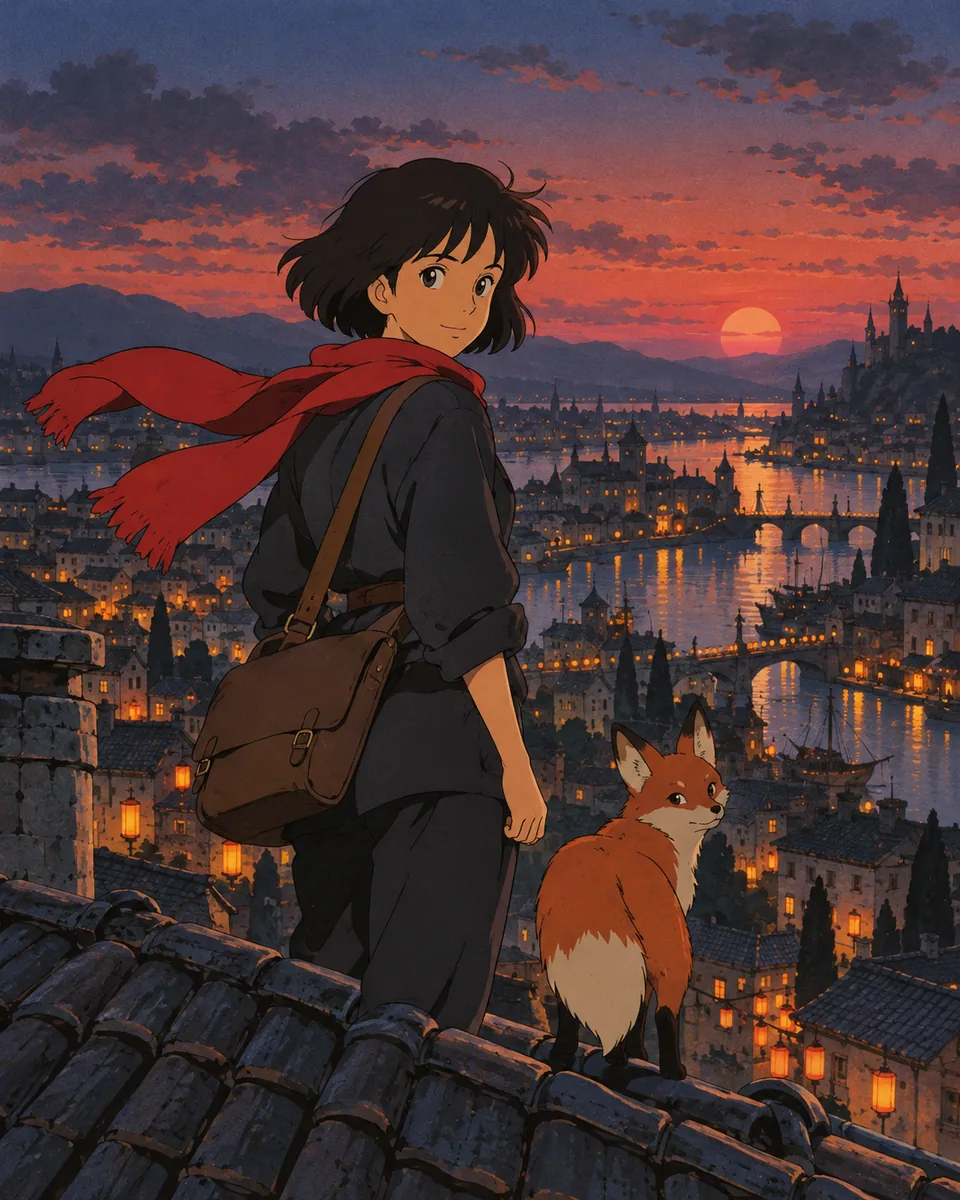 Retro anime
The manga styles are Shōnen action, Shōjo romance, Seinen, Webtoon, Painterly, Retro anime and Chibi. Noir, Classic comic and Superhero cover western comic looks. Read what defines the 90s anime style, the shoujo manga style, the chibi style and the seinen manga style, or compare six approaches in manga art styles.
What it costs
Signing in is free. Reading the first chapter of every published story is free. Drawing uses gems, and Konyomi shows the price before each step.
| Step | Gems |
|---|---|
| Kon reads your story (once for each story) | 20 |
| Kon draws one chapter | 100 |
| A new drawing of one panel | 10 |
| One message in a conversation with Kon | 1 |
| Kon writes the manuscript from a conversation | 5 |
Gem packs start at $19.99 for 600 gems. That pays for a story of 5 chapters. Larger packs cost less for each chapter: $34.99 for 10 chapters and $74.99 for 25.
What Konyomi does not do yet
- Right-to-left pages. Konyomi lays out pages left to right, like an English-language comic. If you want the Japanese reading order, see how to read manga panels for what changes.
- A vertical webtoon strip. There is a Webtoon art style, but chapters are drawn as pages. Our guide on how to create a webtoon covers the strip format.
- Print-ready files. You can save a chapter as a PDF from the print window. It has no bleed or printer color settings.
- Word, PDF or EPUB uploads. Only pasted text and .txt files today.
- Screens in other languages. The app is in English. Kon keeps the words of your characters as you wrote them.
Prefer to draw it yourself or work with an artist? Start with how to write a manga script and the free manga panel layout maker.
Common questions
Can I turn a story into manga for free?
Signing in and reading are free. Drawing uses gems: 20 for Kon to read a story and 100 for each chapter. Gem packs start at $19.99 for 600 gems, which covers a story of 5 chapters.
Does Konyomi work with a light novel or a web novel?
Yes, if it is text. Paste the chapters or upload a .txt file of up to 200,000 characters. Kon keeps your chapter headings and splits long chapters at natural breaks. Publish an adaptation only with the permission of the author.
Do I have to write prompts for each panel?
No. You give Kon prose. Kon plans the pages and panels from what happens in the text, and you can change the words or ask for a new drawing of a panel afterwards.
How does Konyomi keep the characters the same?
Kon draws each character once, before any page. Every panel is drawn with those drawings attached as references, so faces, hair and outfits carry from panel to panel.
How long does it take to turn text into a manga chapter?
About 10 minutes for one chapter of up to 6 pages.
Can I write my story in Spanish or Portuguese?
Yes. Kon reads the story in the language you wrote it in and keeps the lines of your characters as written. The buttons and menus of the app are in English.
Konyomi turns a written story into manga, with the same faces on every page.