How to create a webtoon: format, canvas size and pacing
Plan a webtoon from premise to first episode: the vertical format, the 800 px canvas, slicing, pacing a scroll and where to publish.
A webtoon is a comic made for a phone: one long vertical strip, read by scrolling, usually in full color and released in weekly episodes. Making one well is mostly about pacing the scroll. Here is the format, the canvas sizes, and a step-by-step plan from idea to first episode.
What makes a webtoon different from a manga page
Webtoons grew up in South Korea on web portals and then on phone apps. Instead of a page with a grid of panels, a webtoon episode is a single column. The reader moves down through it with a thumb, and the space between panels does the job that page turns do in print.
| Manga page | Webtoon episode | |
|---|---|---|
| Shape | A fixed page, often in a printed book | One tall strip, as long as the episode needs |
| Reading direction | Right to left in Japanese manga | Top to bottom, text left to right |
| Panels side by side | Common | Rare. Most panels sit one below the other |
| Color | Mostly black and white | Mostly full color |
| Release | Chapters, collected in volumes | Episodes, often weekly |
If you have read manga, see how to read manga panels for how the page version handles the same problems.
Already have a story? Turn it into a manga with Konyomi
Canvas size and file limits
There is no single standard, but WEBTOON's own Canvas platform sets the numbers most creators work around. Its creator handbook asks for images up to 800 pixels wide and 1,280 pixels tall. Taller images are sliced and resized automatically. An episode can hold up to 100 images and 20 MB in JPG or PNG. Check the current rules before you upload, because platforms change them.
- Width: export at 800 px. Many artists draw at a larger width, such as 1,600 px, and scale down so lines stay clean.
- Length: draw the episode as one long canvas or several tall ones, then slice it into 1,280 px pieces for upload.
- Slicing: do not cut through a face or a balloon. Move the cut into a gutter.
- Text size: check lettering on a real phone. What reads well on a monitor is often too small.
How to create a webtoon, step by step
- Write a one-sentence premise. Who wants what, and what stands in the way. If it takes a paragraph, the series is not clear yet.
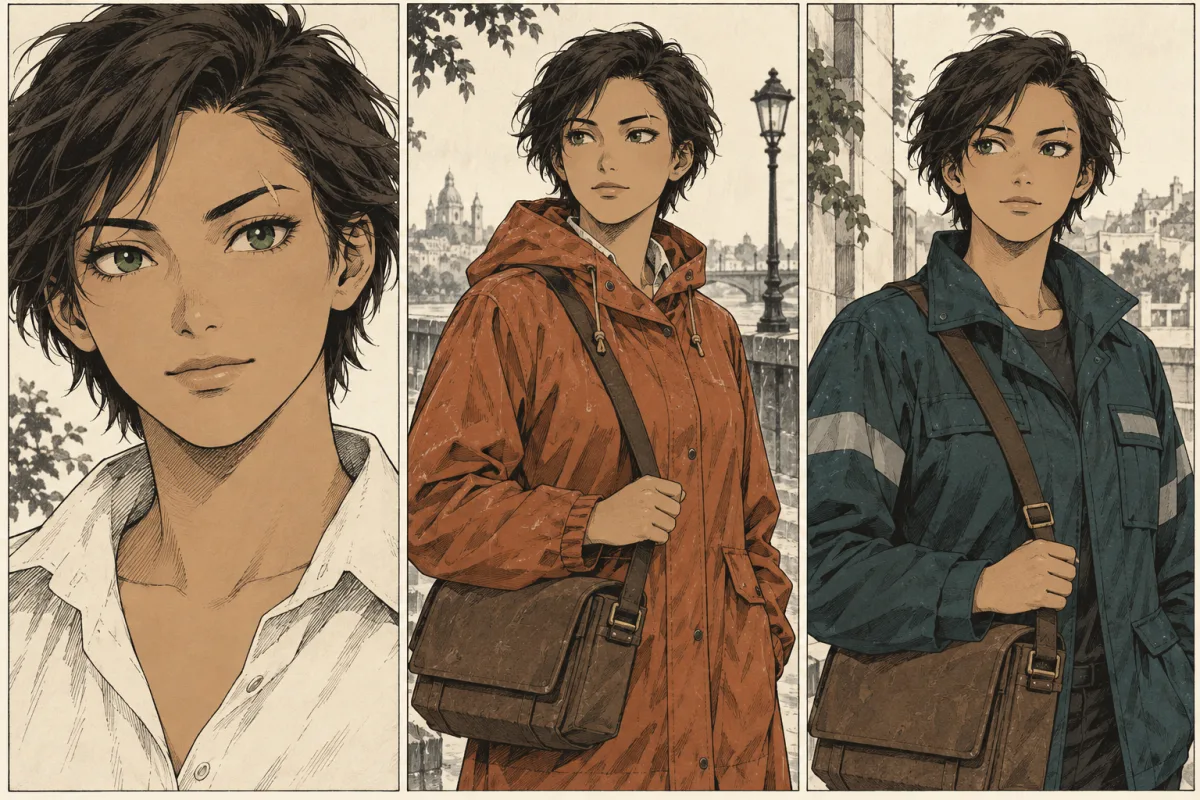
- Design the main cast. Draw each lead from the front and the side, and write down the details that must not change: hair, eye color, scars, a signature outfit. Readers scroll fast, so silhouettes and colors must read at a glance.
- Outline the first arc. Plan 10 to 20 episodes, each ending on a question or a turn that makes the reader open the next one.
- Script each episode. Write it panel by panel: what we see, who speaks, what they say. The manga script builder works for webtoons too.
- Thumbnail the scroll. Sketch the whole episode as a tall, rough strip. Decide the gaps between panels here, because they set the rhythm.
- Draw, ink and color. Keep backgrounds simple where the reader moves fast, and spend detail on the panels where they stop.
- Letter it. Place balloons so each one is read before the panel below it. Keep each screen to a few short lines.
- Slice, export and upload. Then build a buffer before you announce a schedule.
A buffer matters more than a launch date. Many creators finish several episodes before the first one goes live, so a bad week does not break the schedule.
Pacing a vertical scroll
On a page, the reader sees every panel at once. In a strip, they see one or two at a time, in the order you choose. That gives you control a page cannot. Use it.
| To make the reader feel | Do this in the strip |
|---|---|
| Time passing | Leave a long empty gap, or a gap that fades through color. |
| Surprise | Put the reveal right after a gap, so it arrives as the thumb moves. |
| Speed | Stack narrow panels with short gaps. Tilt them for action. |
| Scale | Use a panel taller than the screen and let the reader scroll through it. |
| Tension | Hold on small panels of faces before the answer. |
Keep dialogue short. A balloon of four lines on a phone hides the art behind it. Split long speeches across panels, and let pictures carry what words would explain.
Where to publish
WEBTOON Canvas and Tapas let anyone upload a series. Both have their own size rules and programs that pay creators, and both change over time, so read their creator pages before you plan. Post a few finished episodes at once on launch day, so new readers have something to scroll through.
Can Konyomi make a webtoon?
Not in the vertical strip format. Konyomi has a Webtoon art style, with clean thin lines and glossy color, but it draws each chapter as pages of panels. Those pages are made to read on a phone, one below the other, from left to right. They are not one continuous strip, and Konyomi does not slice or export files for WEBTOON Canvas.
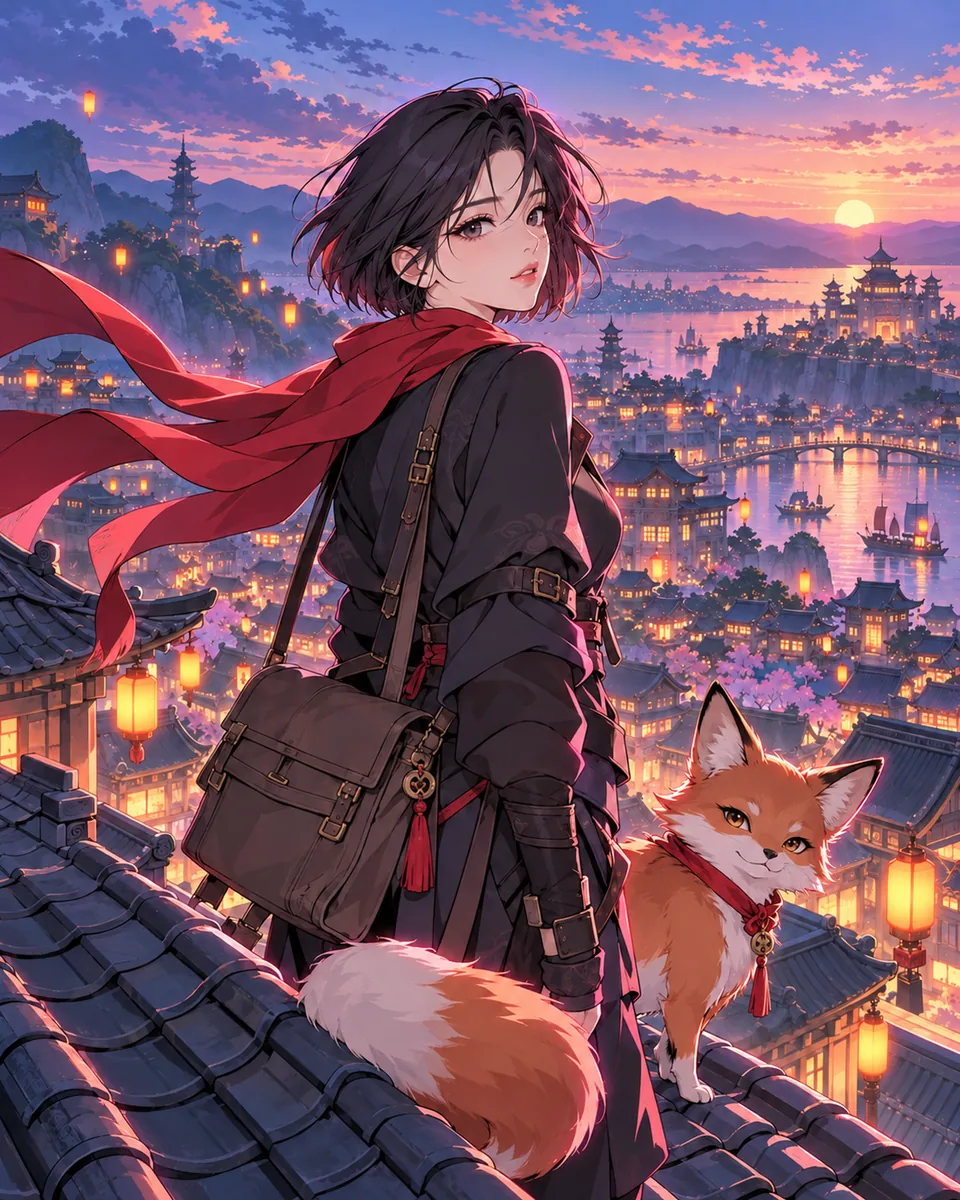 Webtoon
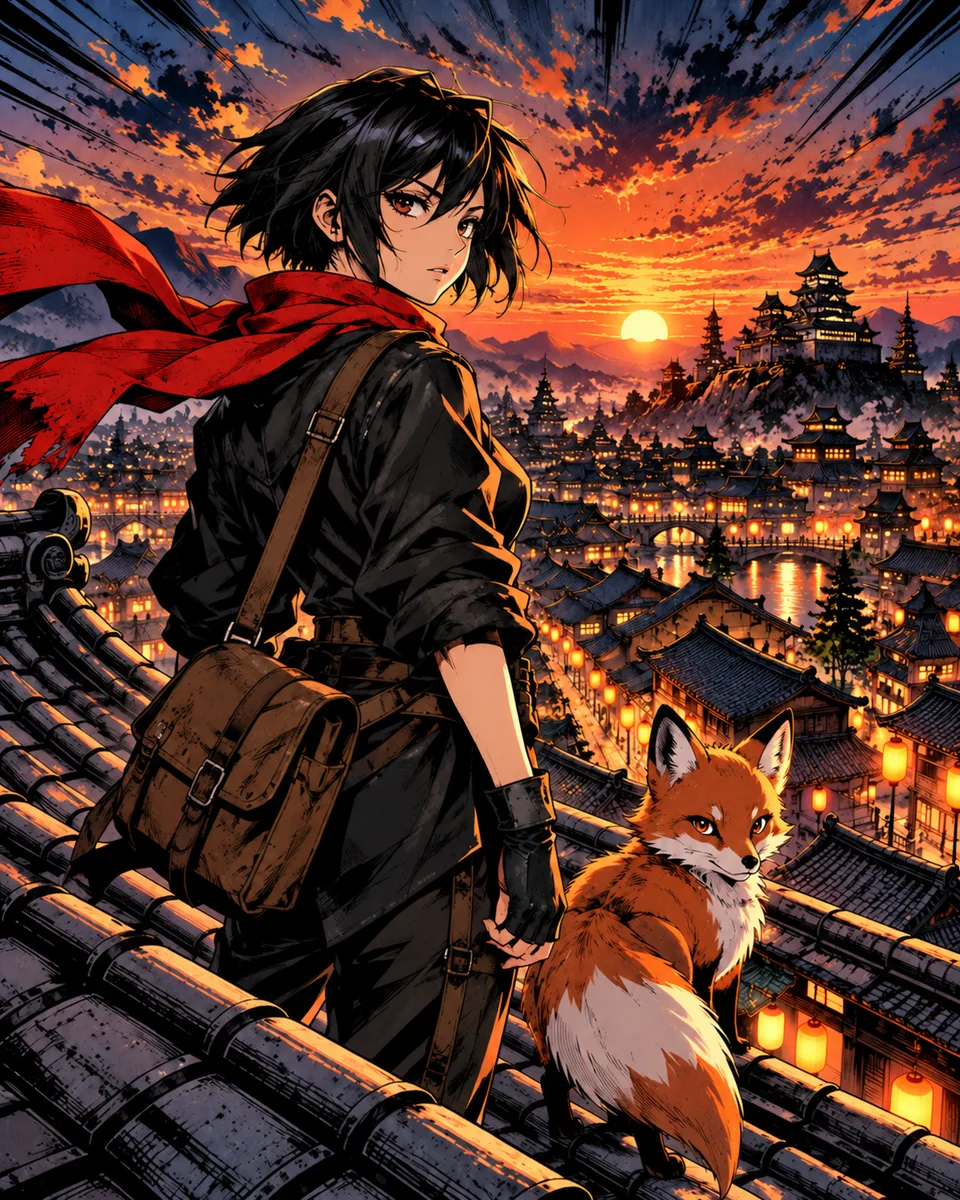 Shōnen action
What Konyomi does well is the part many webtoon creators find slowest: turning a written story into drawn scenes with the same characters on every page. If you have a story and want to see it drawn, read text to manga. If you want to draw the webtoon yourself, start with the script and a character sheet: the character continuity sheet keeps the details that must not change.
Common questions
How do I start creating a webtoon?
Write a one-sentence premise, design the main characters, outline the first 10 to 20 episodes, then script and thumbnail the first episode as a tall strip before you draw it.
What size should a webtoon canvas be?
WEBTOON Canvas asks for images up to 800 px wide and 1,280 px tall, up to 100 images and 20 MB per episode. Many artists draw at 1,600 px wide and scale down.
Can I make a webtoon without drawing?
You can write it and work with an artist, or use 3D models and AI tools for the art. Each route still needs a script and checks for consistent characters.
Is there an AI webtoon generator?
Several tools exist. Konyomi offers a Webtoon art style, but it draws chapters as pages of panels, not as a vertical strip for WEBTOON Canvas.
How long is a webtoon episode?
There is no fixed length. Platform limits cap the files, not the story. Plan each episode around one turn of the plot and end it on a reason to read the next.
Sources
Konyomi turns a written story into manga, with the same faces on every page.